Home screen icon
Install from your mobile browser with Add to Home Screen and launch Dieselwin like any other app.
The Dieselwin app on your home screen
Add Dieselwin to your Android or iOS home screen and open the casino, live casino and sportsbook with one tap, with no store download.
Add Dieselwin to your home screen
What the Dieselwin PWA gives you
Home screen icon
Install from your mobile browser with Add to Home Screen and launch Dieselwin like any other app.
Full feature set
Casino, live casino, sportsbook, promotional events, Premium Shop, VIP Club and account management.
Same verified account
Your GBP account, payment checks and responsible gaming tools carry over from the browser.
Dieselwin as a progressive web app
Add Dieselwin to your Android or iOS home screen and open the casino, live casino and sportsbook with one tap, with no store download.
Add to home screen 18+ only. Gambling carries a risk of addiction, and the bonus terms apply to every offer.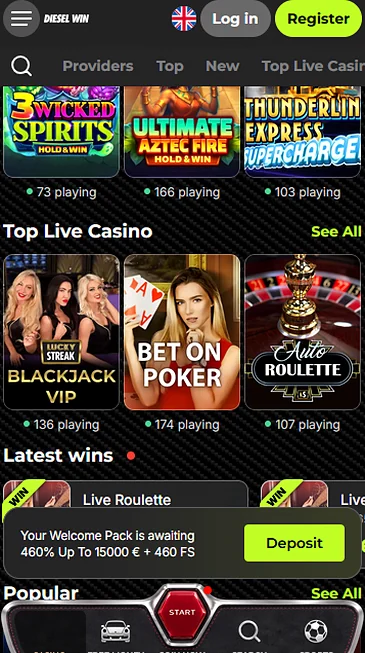
Device requirements
Android
iOS
The Dieselwin app at a glance
Pros
Cons
Staying safe on mobile
What to do
What to avoid
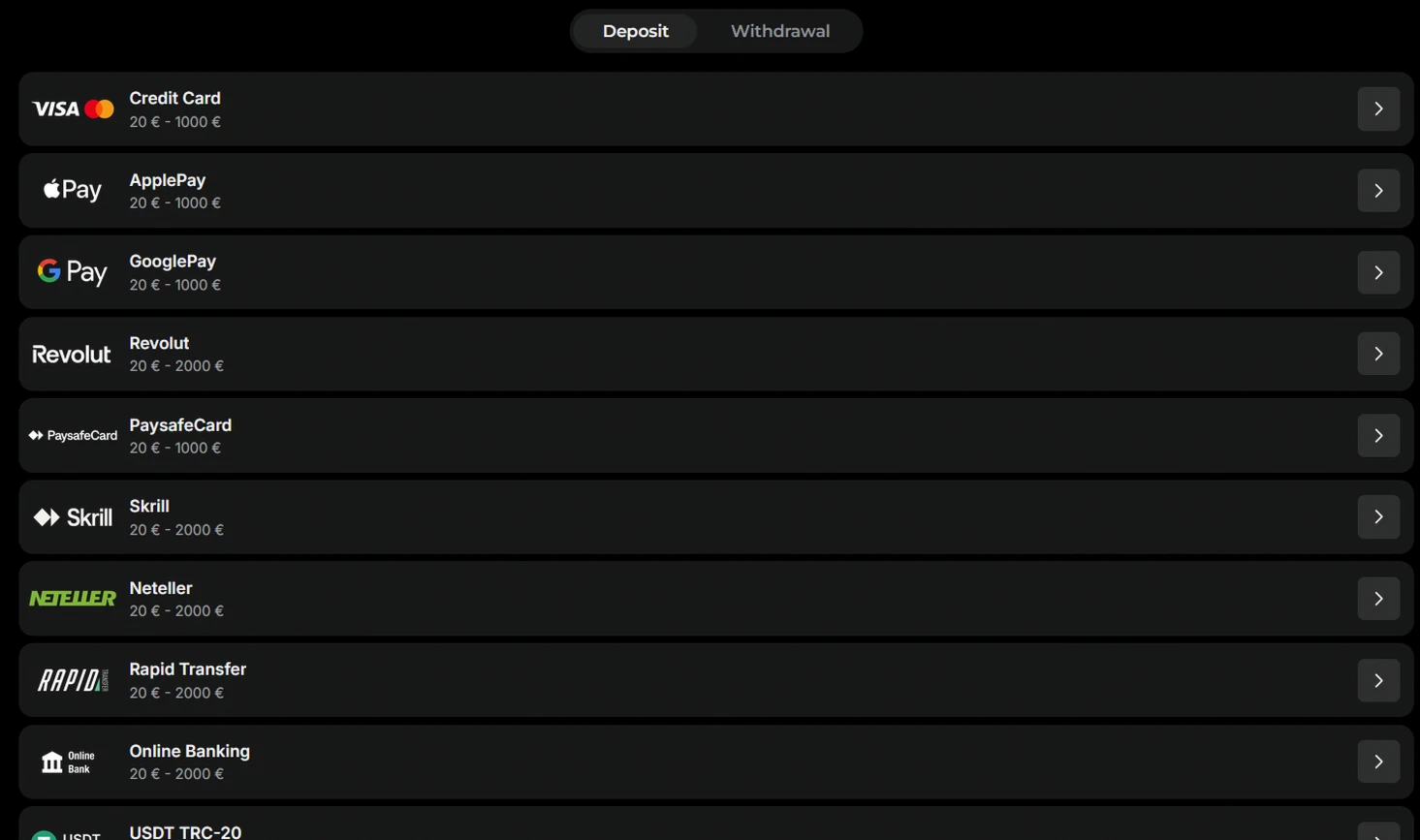
The cashier inside the Dieselwin PWA is the same GBP cashier you see in a desktop browser, so Apple Pay, Google Pay, Visa, Mastercard, Revolut, Skrill, Neteller, online banking and crypto all work from your phone. The Slots lobby opens in the home screen version as well.
Apple Pay and Google Pay suit quick deposits from a phone wallet. Revolut, Paysafecard, Rapid Transfer, online banking and crypto in USDT, USDC, BTC, BCH, ETH, SOL, TRX, DOGE and LTC are also available, and standard deposits cost 0%. Deposits start at £20, with maximums of £1,000 for cards, Apple Pay, Google Pay and Paysafecard and £2,000 for Revolut, Skrill, Neteller, Rapid Transfer and online banking.
| Route | Deposit | Withdrawal |
|---|---|---|
| Visa, Mastercard and online banking | Instant for cards | 1 to 5 business days |
| Skrill and Neteller | Instant | Generally within 24 hours after approval |
| Cryptocurrency | After network confirmations | Generally within 24 hours after approval |
Withdrawals go back to a payment method linked to your verified account. We confirm payment ownership with a bank card statement, a bank account confirmation or an electronic wallet verification.
The Dieselwin PWA runs on Android 8.0 or later and iOS 13.0 or later, while desktop players use a current Windows, macOS or Linux browser.
Phones on Android 8.0 or later can add Dieselwin from a supported mobile browser.
iPhones on iOS 13.0 or later can add Dieselwin to the home screen in the same way.
| Platform | Minimum version | Route |
|---|---|---|
| Android | 8.0 | Add to Home Screen |
| iOS | 13.0 | Add to Home Screen |
| Windows, macOS, Linux | Current browser | Browser, no installation |
Dieselwin has no dedicated app store listing, so installation happens in your browser rather than through Google Play or the App Store. The result is a home screen icon that opens the site like an app.
Open the Dieselwin site in a supported mobile browser, open the browser menu, select Add to Home Screen and confirm. The icon then appears among your apps.
Open the site in a supported mobile browser, use the share or menu option and select Add to Home Screen. Confirm the name and the icon appears on your home screen.
The PWA carries the full Dieselwin feature set: casino, live casino, sportsbook, promotional events, Premium Shop, VIP Club and account management.
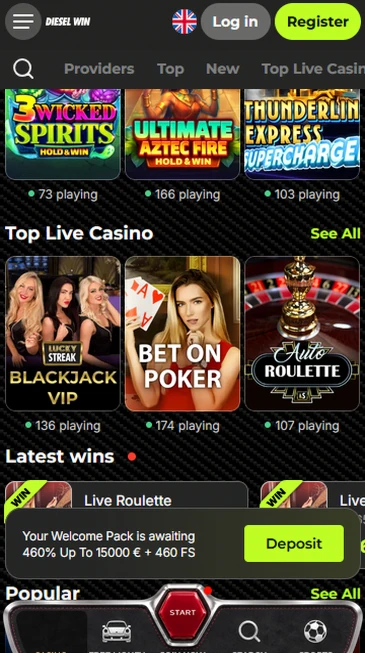
Slots, live dealer tables, sports markets with Cash Out and Bet Builder, event campaigns and VIP progress sit behind the one icon. The interface is responsive and scales from phone to tablet. The dealer tables sit in the Live Casino section.
The account, balance and promotions are identical to the browser version. What changes is the access: you launch from a home screen icon instead of typing the address, and there is no store account involved.
The same catalogue of twenty studios loads in the PWA, from slots to live dealer tables.
Sweet Bonanza and Gates of Olympus from Pragmatic Play (RTP 96.50%), Book of Dead from Play’n GO (96.21%) and Razor Shark from Push Gaming (96.70%) all load in the mobile layout.
Crazy Time, Monopoly Live and Lightning Roulette from Evolution Gaming stream to your phone, alongside tables from Pragmatic Play Live, Ezugi, Playtech Live and Vivo Gaming.
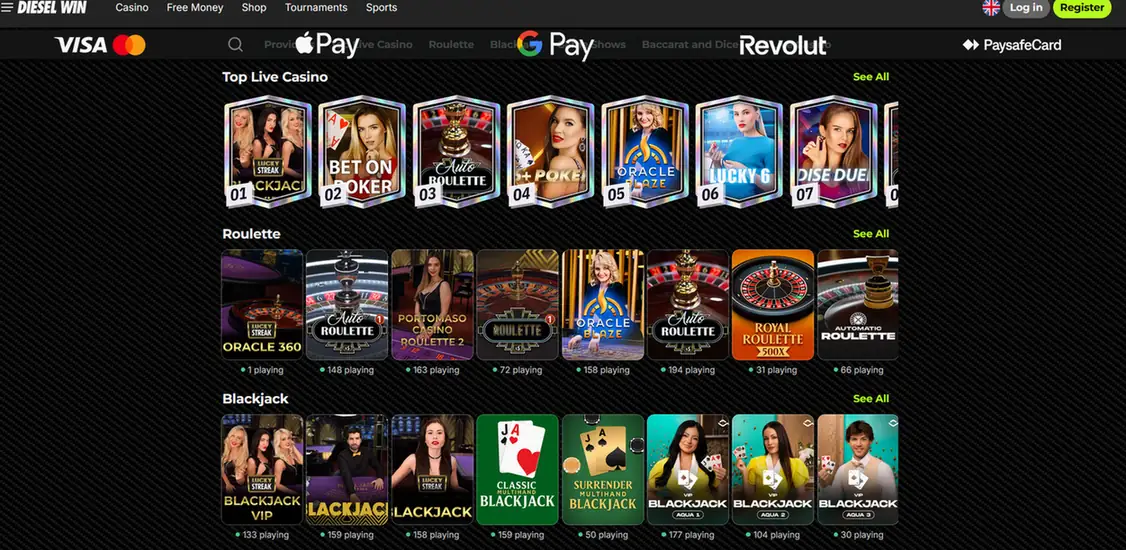
Aviator from Spribe and Mines from Turbo Games run in the app, and the promotional jackpot prize pool is open to eligible members through qualifying games and events.
Welcome offers such as the 460% Casino Welcome Pack up to £15,000 with 460 free spins are activated from the Promo Activation Banner inside the PWA. Conditions, wagering and validity are explained in the Dieselwin bonus terms. 18+ only. T&Cs apply. Please gamble responsibly.
Creating an account works the same way on a phone as on a computer, and the PWA keeps you one tap from the login screen.
Register in the mobile browser or the installed PWA with your email and password, and confirm your email. You must be 18 or over.
Tap the home screen icon, enter your email and password and continue. Before your first withdrawal, identity and address verification takes 24 to 72 hours, using a passport or UK photocard driving licence and a utility bill, council tax bill or bank statement.
The PWA runs under the same account protection as the website, which means email verification, password protection and extra identity checks where required.
Choose a unique password and keep your email inbox private. Log out if you share a device.
Identity, address and payment ownership are checked before withdrawals, so use cards and wallets that are in your own name.
Live chat and email support are open 24/7 in English, which covers UK daytime and overnight hours across GMT and BST.
Open live chat from inside the PWA for account, payment and bonus questions, or email support for longer queries.
Daily, weekly and monthly deposit limits, loss limits, session reminders, reality checks, cooling-off periods and self-exclusion can be managed from your account on mobile. The minimum age is 18.
App questions answered
The PWA needs Android 8.0 or later, or iOS 13.0 or later, together with a supported mobile browser.
Yes, there is no store listing, because you add the PWA to your home screen straight from the browser.
From the official Dieselwin website, using Add to Home Screen in your mobile browser, so there is no file to download from an app store.
Install Dieselwin on your phone
Claim 460% up to £15,000 plus 460 free spins on your first deposit.
Start playing 18+ only. Gambling carries a risk of addiction, and the bonus terms apply to every offer.